Granular Admin Permissions Without the Power Grab
Granular admin permissions let teams delegate standups, coffee chats, and kudos without granting broad access to settings, people, or data unnecessarily.
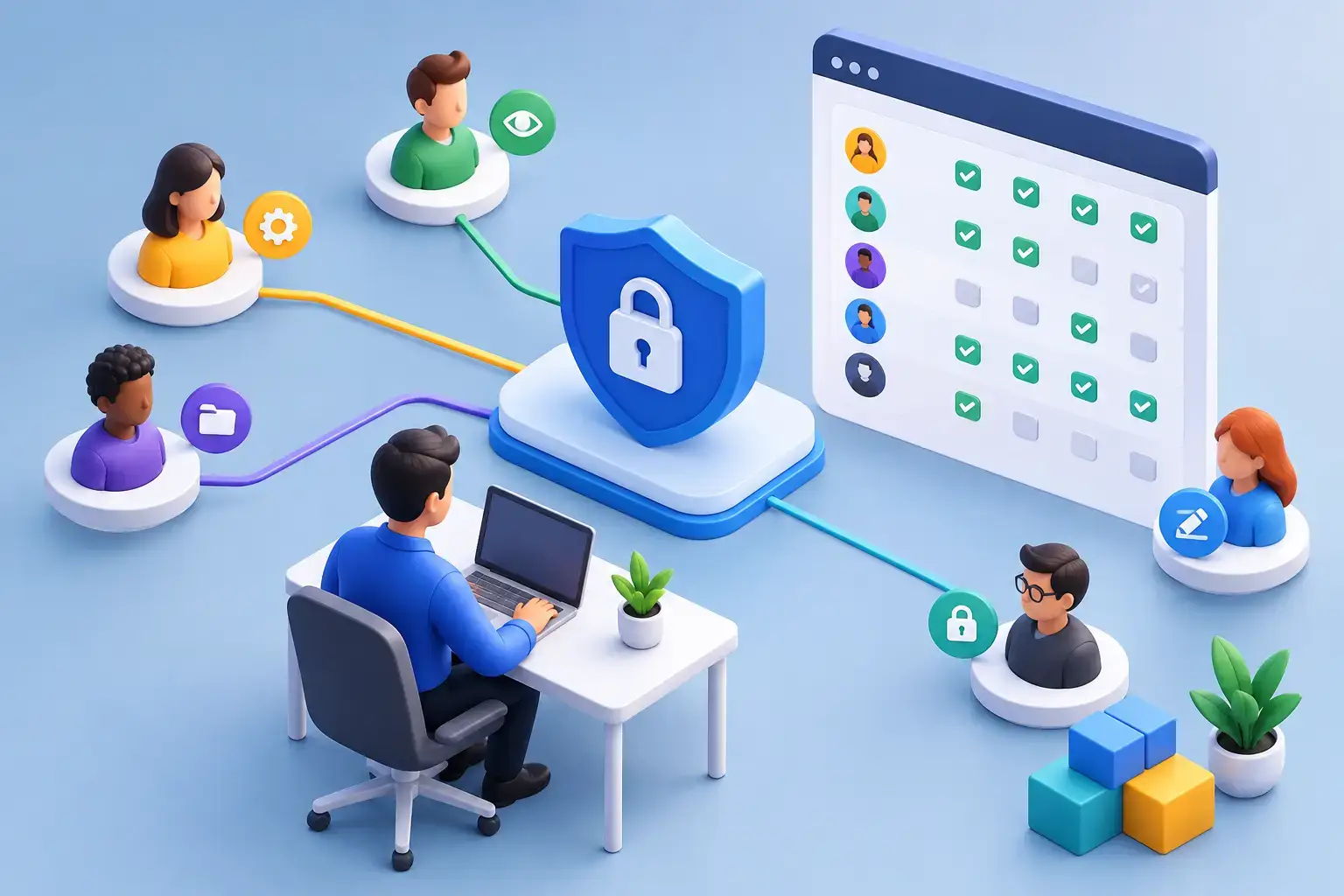
A people-ops lead needs to adjust a recognition routine. An engineering manager needs to run async standups for one group. A workspace owner needs to control installation and data access. These are different jobs, but too many workplace tools treat them as the same job: administrator.
That is how routine team operations become a queue. Every small change goes through the one or two people holding the keys, or the keys get shared too widely because nobody has time to be the bottleneck. Granular admin permissions are the practical alternative. They let teams delegate a specific responsibility without handing over the rest of the system.
Why all-or-nothing admin roles fail
A broad admin role is convenient for the software vendor. It is easy to explain, easy to implement, and easy to put in a settings screen. It is less convenient for the organization using it.
Consider a distributed company that runs written standups in Slack, pairs coworkers for coffee chats, and has a structured kudos practice. The person who owns each ritual may not be the same person. Engineering may own standups because it needs visibility into blockers. People operations may own coffee-chat matching and recognition because those programs affect connection and culture. IT or a self-hosting team may own the integration, deployment, and database.
Giving each of those people full administrator access creates avoidable risk. They may be able to change organization-wide settings, modify programs they do not own, or access information unrelated to their work. Keeping access restricted, on the other hand, can force every small operational adjustment through a central administrator.
Neither choice is a good operating model. One creates excess authority. The other creates delay.
What granular admin permissions should actually do
Granular permissions are not useful merely because there are many boxes to check. The division has to match real work. A useful permission model answers a simple question: who should be able to operate this feature, for this group, without affecting anything else?
For an async standup, a feature owner may need to configure the prompt schedule, choose the participating channel or group, and review the resulting summaries. They should not need authority over coffee-chat settings or recognition rules.
For coffee chats, the owner may need to manage pairing cadence and participation for a particular program. That responsibility should not automatically include access to standup responses, organization-level installation settings, or employee data beyond what the program requires.
Recognition has its own governance questions. A team may want a people-ops owner to set the routine, while managers should participate like everyone else. If the program uses token-based kudos, controls should preserve the mechanic rather than let any administrator casually override it. Scarcity is what makes a limited recognition practice meaningful. Unlimited authority can quietly turn it into another noisy reaction channel.
This is the distinction: permissions should map to operations, not titles. “Admin” is too broad to describe the work.
Separate feature ownership from system ownership
The cleanest model has two layers. Feature owners run a defined workflow. System owners control the platform itself.
Feature ownership is where most teams need delegation. These administrators should be able to make ordinary changes to the team ritual they are responsible for. They should not be able to alter unrelated programs just because they happen to have an admin label.
System ownership is different. It includes decisions with wider consequences: connecting the application to the workplace environment, controlling hosting and deployment, managing security-sensitive configuration, and determining where organizational data lives. For a self-hosted application, this layer may include the infrastructure team responsible for Docker, Helm, Postgres, backups, and upgrades.
Combining these layers is tempting in a small company. At five people, the same person may reasonably manage everything. But permissions tend to outlive the moment they were granted. The founder who configured the first workflow may leave it running for years. The engineer who helped with deployment may not be the right person to change a people program. Start with boundaries that still make sense when the organization grows.
Morgenruf takes the more useful approach: administration can be scoped by feature rather than requiring one broad role for every standup, coffee-chat, and kudos decision. That matters because the people running a ritual can manage it where it happens, without becoming custodians of the entire workplace system.
Design permissions around the smallest useful scope
The principle of least privilege gets cited often because it is right, but it can become abstract. For workplace tools, make it concrete: give a person the smallest scope that lets them finish a real task without asking someone else for routine help.
That scope has three dimensions.
First, scope by feature. A coffee-chat coordinator should manage coffee chats, not automatically gain control of recognition or asynchronous reporting. This keeps ownership legible.
Second, scope by audience. Some organizations need different programs for different departments, locations, or communities. If the product supports separate programs, an owner should be limited to the group they operate whenever possible. A company-wide culture lead may need broader scope than a manager running an engineering-only check-in.
Third, scope by action. Viewing, configuring, and deleting are not equivalent. A person may need to see a concise channel summary to follow up on blockers, while only another owner should be able to change schedules or remove a program. The right breakdown depends on the workflow, but the distinction should exist where the consequence is meaningful.
Do not over-engineer this into hundreds of roles. Permissions that require a policy specialist to understand them are likely to be ignored. The goal is a small set of boundaries that people can explain in a sentence.
The trade-off: more control means more decisions
Granular administration is not free. Someone has to decide who owns what, review that access, and resolve edge cases. A simple global-admin switch has less setup overhead.
For a very small, stable team, broad access may be perfectly reasonable. If three founders jointly run all operations, elaborate role design can be theater. The need changes when feature ownership spreads across managers, people operations, internal communities, and technical administration.
The biggest warning sign is workaround behavior. If people share an admin account, message one person for every basic change, or keep a spreadsheet of unofficial owners, the role model is already failing. More process will not fix a permission structure that does not match the work.
A practical starting point is to name the owner of each team ritual and the owner of the system. Then ask what each person must configure, what they must see, and what they should never be able to change. Most organizations will find that the answer is narrower than “make them an admin.”
Make access review part of the operating rhythm
Permissions are often set during rollout and forgotten. That is how former managers retain authority over programs they no longer run, and temporary project leads become permanent administrators.
Review access when ownership changes, when a new program is created, and during normal offboarding. A quarterly review may make sense for a larger organization, but the cadence matters less than having a clear record of who owns each feature. If nobody can answer that question, nobody can responsibly approve access.
Also distinguish between convenience and necessity. A manager may ask for admin permissions because they want faster answers about blockers. They may only need access to the standup summary, not the ability to change the workflow. Giving people the information they need is often better than giving them the controls they do not.
Permissions are part of employee experience
Admin settings can look like a back-office technical detail. They are not. They decide who can create team rituals, who can change them, and whether employees experience those rituals as consistent and fair.
A coffee-chat program feels arbitrary when different people can alter it without clear ownership. Recognition loses credibility when its limits can be bypassed. Async standups become unreliable when no one has responsibility for prompts, summaries, and follow-up. Clear, limited authority makes those systems easier to trust.
Give the people closest to the work enough control to run it well. Keep system-level power with the people accountable for security, infrastructure, and data. That is not bureaucracy. It is how a tool stays useful after the initial setup is over.
Morgenruf is open source under the MIT license, so your security team can read the source before you add it to your workspace: Quick start on GitHub.